Magiesto Keynote Template: Your Design Toolkit
Imagine walking into your next presentation with a deck that looks like it was crafted by a dedicated design agency. That’s the immediate impression the Magiesto Keynote Template helps you create. It’s more than just a set of slides; it’s a comprehensive design asset built for professionals who need to communicate ideas with clarity and visual impact. If you’ve ever spent hours wrestling with layout and alignment, this template is designed to give you that time back.
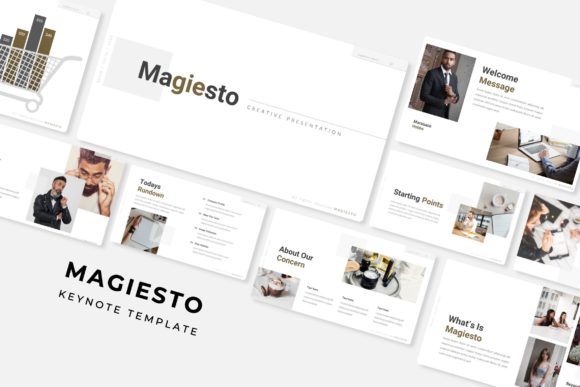
At its core, Magiesto is a premium presentation toolkit. The package includes over 150 total slides, organized into five distinct color variations. Each color scheme offers 30 meticulously designed slides, giving you a versatile starting point for any project. The structure is based on master slides, which means making global changes—like updating a font or adjusting a color palette—is incredibly efficient. This isn’t just a collection of pretty pages; it’s a system for building polished narratives.
What Makes This Template Stand Out?
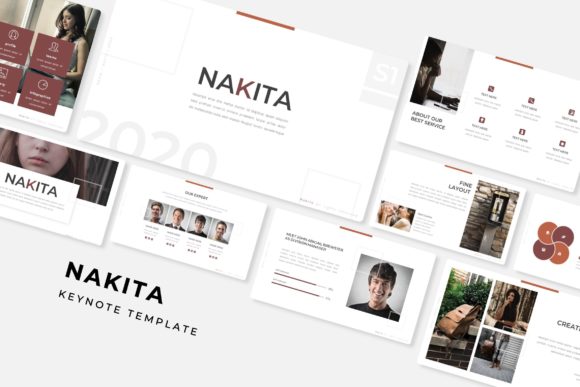
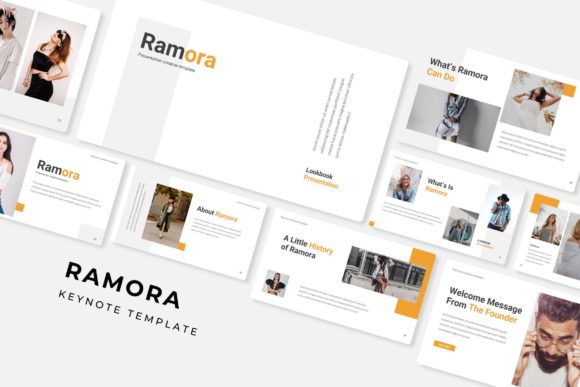
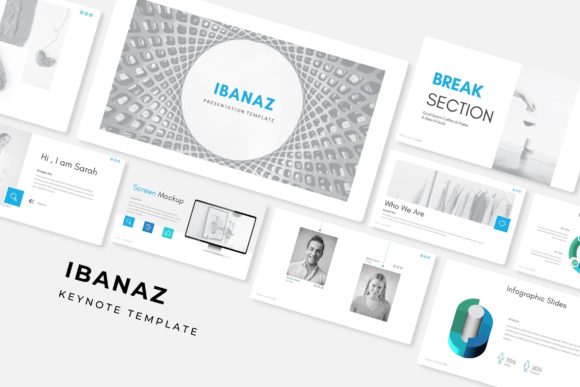
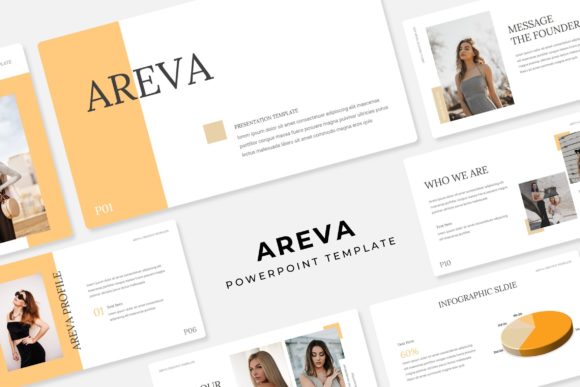
The true value lies in the details. Every element is pixel-perfect, from the handcrafted infographics to the gallery and portfolio slides. The graphics are fully resizable and editable, and the use of picture placeholders with a simple drag-and-drop function means you can populate your deck with your own images in minutes. The clean, modern typography ensures your content remains the hero, not the design fighting for attention.
This level of detail makes Magiesto ideal for a wide range of creative and professional uses:
- Brand Presentations: Showcase a brand identity system with cohesive slides that reflect the brand’s color palette and visual language.
- Project Pitches: Structure a compelling narrative for investors or clients, using infographics to simplify complex data.
- Portfolio Reviews: Let your work shine on dedicated gallery slides, creating a seamless viewing experience.
- Internal Reports: Transform dry data into engaging visuals with the included charts and diagrams.
- Educational Workshops: Use the section break slides to organize content logically and maintain audience focus.
Choosing and Using Your Presentation Toolkit
When selecting any design asset, it’s wise to consider how it integrates into your workflow. The Magiesto template uses free fonts, and the included readme file provides direct download links, so you won’t face licensing surprises. This attention to practicality is a significant advantage. You can focus on your message, confident that the technical foundation is solid.
For the best results, think of this template as a flexible foundation. While the five premade colors offer a fantastic starting point, don’t hesitate to customize them to match your specific brand guidelines. The master slide system makes this straightforward. Also, consider your font pairings within the deck. The template’s clean sans-serif or serif typography is chosen for readability, but you can often pair it with a complementary script or handwritten font for specific headers to add a touch of personality, provided you maintain overall consistency.
Ultimately, a well-designed presentation does more than display information; it builds credibility. The right visual framework, like the one provided by the Magiesto Keynote Template, helps your ideas look as professional as they are. It’s an investment in your visual communication, ensuring that your first impression is one of preparedness, attention to detail, and creative confidence.