Roaste: A Versatile Google Slide Template for Modern Presentations
Presentations are a cornerstone of modern communication, whether you're pitching a new idea, teaching a complex topic, or sharing a project update. The difference between a forgettable slide deck and one that captivates an audience often comes down to design. A well-structured, visually appealing template not only looks professional but also helps organize your thoughts and deliver your message with clarity and impact.
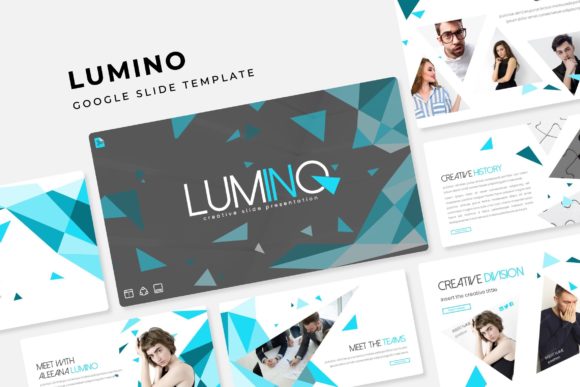
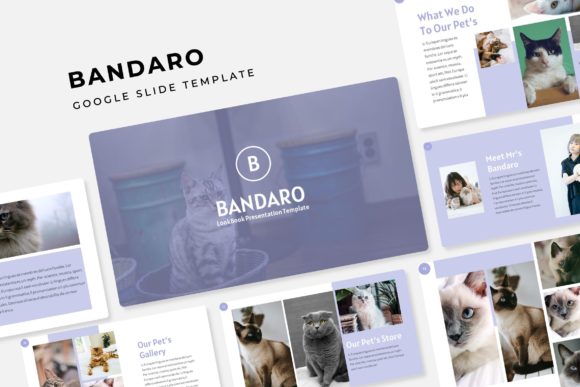
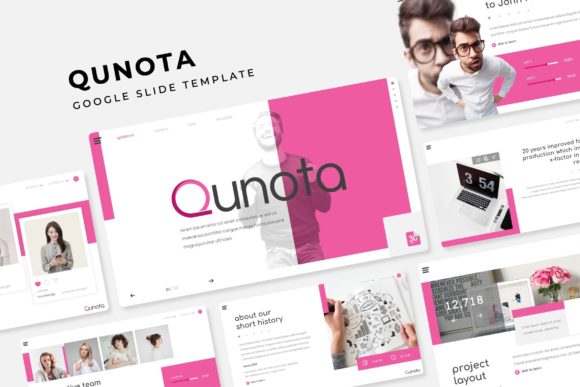
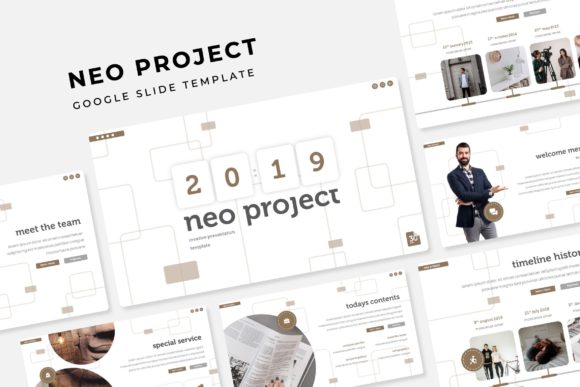
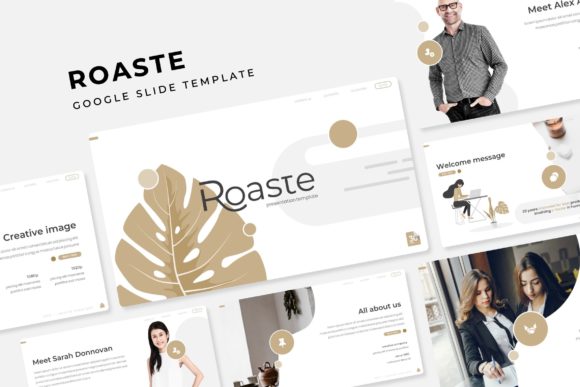
This is where the Roaste Google Slide Template truly shines. It’s more than just a collection of slides; it’s a comprehensive design system built for versatility and visual appeal. With over 150 total slides across five premade color variations, it provides a robust foundation for virtually any presentation need. Each of the five templates offers 30 meticulously crafted slides, ensuring you have a dedicated design for every section of your talk, from a powerful opening to a compelling conclusion.
Key Features for Effortless Design
The true value of a presentation template lies in its flexibility and ease of use. The Roaste template is designed to save you time while elevating your creative output. Its features are built around practicality, allowing you to focus on your content rather than struggling with formatting.
- Handcrafted Infographics and Section Breaks: Data comes to life with unique, pixel-perfect infographics. Instead of generic charts, you can present statistics in a visually engaging way. Dedicated section break slides help structure your narrative, making it easier for your audience to follow along.
- Effortless Customization: The template is fully resizable and editable, based on master slides for consistent styling. The drag-and-drop picture placeholder functionality means adding your own images is as simple as clicking and dropping. This streamlines the entire design process, making it ideal for both seasoned designers and those less experienced with presentation software.
- Cohesive Color Palettes: Choosing the right color scheme can be daunting. The five premade color variations provide professionally curated palettes that ensure your presentation looks polished and harmonious. This feature is particularly useful for aligning your slides with existing brand identity guidelines or a specific mood.
Practical Applications for Every Creator
The design flexibility of the Roaste template makes it suitable for a wide range of projects. Its modern typography and clean layouts serve as a perfect canvas for various professional and creative endeavors.
For entrepreneurs and startups, it’s an excellent tool for crafting investor pitches, business plans, and company overviews. The gallery and portfolio slides are invaluable for designers, photographers, and agencies looking to showcase their work in a sleek, organized format. Educators and students can use it to create engaging lectures and academic presentations that hold attention. Furthermore, its structured approach is perfect for developing training materials, webinar slides, or detailed project proposals.
Tips for Maximizing Your Presentation
While a great template provides the framework, a few best practices can help you maximize its impact. Start by selecting the color variation that best matches your topic or brand’s energy. Consistency is key; use the master slides to maintain uniform fonts, colors, and logos throughout your deck.
When adding your content, be mindful of readability. Use the provided layouts as guides for text hierarchy—ensure your main points stand out, and avoid overcrowding slides. The handcrafted infographics are powerful, but they work best when paired with clear, concise explanations. Finally, always proofread your presentation and test all interactive elements before presenting to ensure a smooth delivery.
Choosing the right design assets is an investment in your communication. A template like Roaste offers a blend of aesthetic appeal, structural integrity, and user-friendly features that can significantly enhance the professionalism of your presentations. It provides the tools to transform your ideas into a visually coherent and compelling story, making your message not just heard, but remembered.