Hectic Business Google Slide Template
When deadlines are tight and presentations need to look polished, having a reliable design asset can save the day. The Hectic Business Google Slide Template is one of those resources that quietly elevates your work without demanding hours of setup. It’s built for professionals who need to communicate ideas clearly and stylishly, whether they’re pitching to clients, sharing reports with stakeholders, or teaching a workshop.
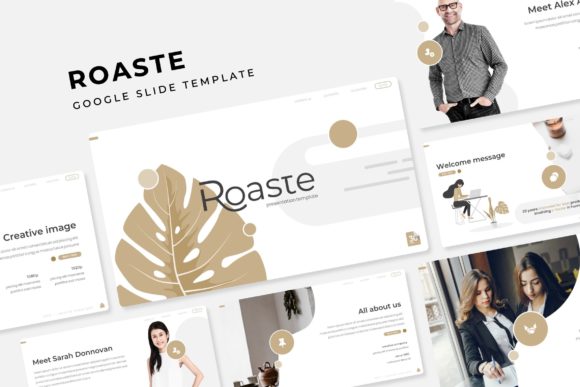
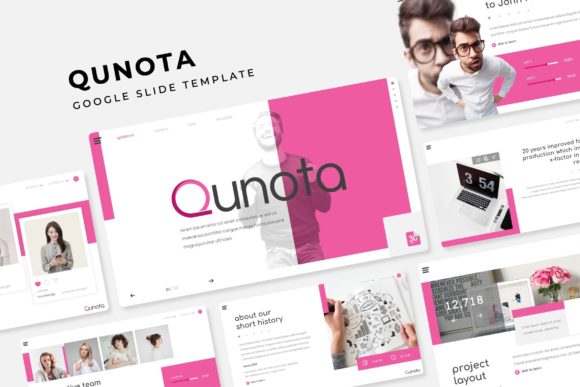
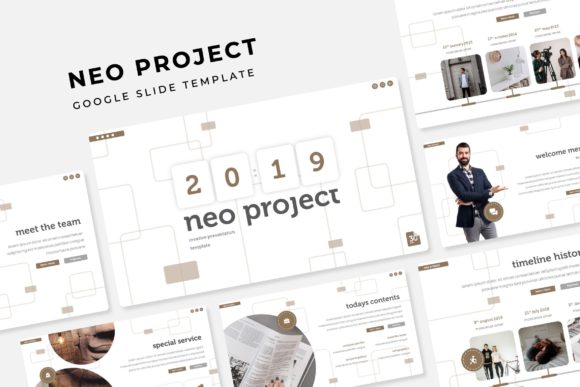
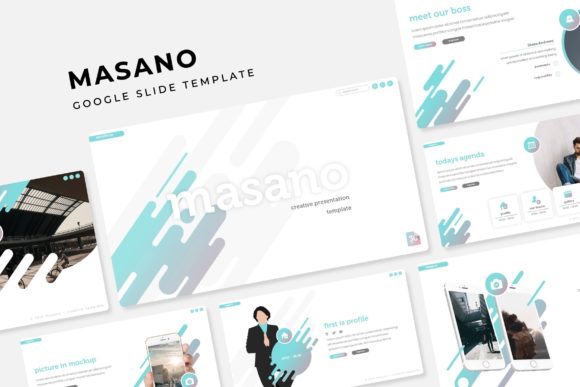
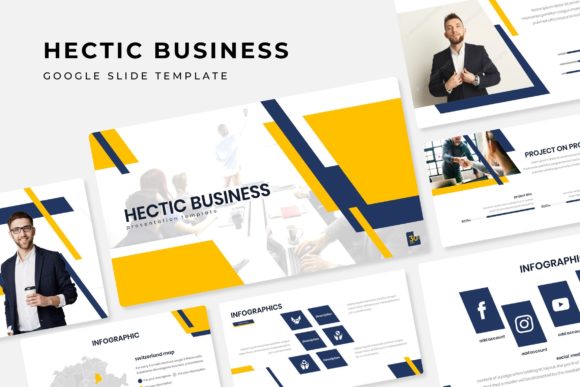
What makes this template stand out is its thoughtful structure and visual consistency. With over 150 total slides spread across five premade color variations, you get 30 slides for each color theme. This means you can maintain a cohesive brand look throughout your presentation without scrambling to adjust colors or layouts. Each slide is crafted with pixel-perfect illustrations and handcrafted infographics, giving your content a custom-designed feel right out of the box.
Designed for Flexibility and Ease
One of the biggest advantages of the Hectic Business Google Slide Template is its flexibility. The slides are fully resizable and editable, with graphics and picture placeholders that support drag-and-drop functionality. Whether you’re adding your own images, swapping out icons, or adjusting text, everything is based on master slides, so changes are quick and consistent. This is especially helpful when you’re working under time pressure or collaborating with a team.
The template includes practical features like section break slides and a dedicated gallery and portfolio slide. These are perfect for showcasing work, highlighting key data, or breaking up long presentations into digestible segments. The clean, modern typography used throughout the template enhances readability and gives your content a professional edge.
Practical Use Cases for Creative Professionals
This isn’t just a template for corporate meetings. It’s versatile enough for a range of creative projects. Think about using it for:
- Brand presentations where visual consistency matters
- Client pitches that need to look polished and persuasive
- Workshops or webinars where clarity and engagement are key
- Portfolio showcases that highlight your best work
- Internal reports that benefit from clean data visualization
The handcrafted infographics are particularly useful for making complex information accessible. Instead of relying on generic charts, you can present data in a way that feels intentional and aligned with your brand’s visual language.
Tips for Getting the Most Out of Your Template
To make the most of the Hectic Business Google Slide Template, start by choosing a color theme that matches your brand or the mood of your presentation. Each of the five color variations offers a different tone—some are more vibrant and energetic, while others are subtle and sophisticated. Once you’ve selected a theme, use the master slides to set your fonts and color palette early on. This ensures consistency as you build out your content.
Take advantage of the picture placeholders to add your own images seamlessly. Drag-and-drop functionality means you don’t need advanced design skills to make your slides look custom. If you’re presenting data, use the included infographic slides to replace bullet points with visual storytelling. This not only makes your presentation more engaging but also helps your audience retain information better.
Remember that the template is fully editable, so don’t be afraid to adjust layouts to fit your needs. Move elements around, resize graphics, or combine slides from different sections to create a flow that works for your specific content. The goal is to use the template as a foundation, not a limitation.
What’s Included in the Package
When you download the Hectic Business Google Slide Template, you receive a complete set of files designed for immediate use:
- 5 PPTX files (standard format)
- 5 PPTX widescreen files
- 5 premade color themes
- A readme file with setup instructions
- Information on the fonts used, including a free download link
Note that photographs and pictures used in the preview are for illustration only and are not included. This allows you to customize the template with your own imagery, keeping your presentation unique and on-brand.
Choosing a well-designed template like this one can significantly improve the professionalism and impact of your presentations. It saves time, reduces design stress, and helps you communicate your ideas with clarity and visual appeal. Whether you’re a freelancer, a business owner, or part of a creative team, having a reliable template in your toolkit means you’re always ready to present your best work.